
How To Import a Blogger XML Template Into Your Blogger Account
Blogger makes it straight forward to import a theme into your account and today:
Let’s learn how to go about importing your own!
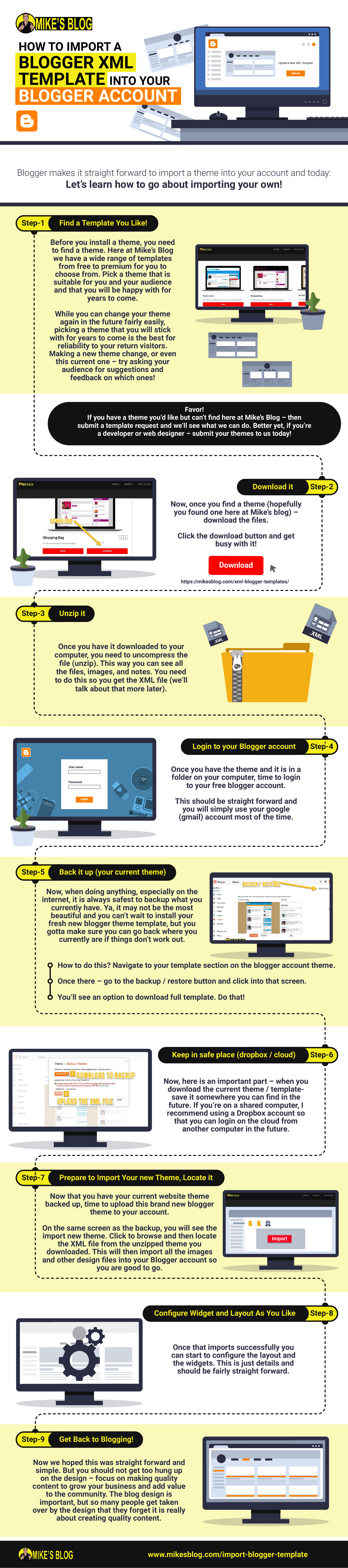
Download As an Infographic!
Prefer visual? We have put together this beautiful infographic with step by step instructions on how to import your blogger template.
Or simply scroll down to read the normal text version. Good luck and enjoy!
Step 1: Find a Template You Like!
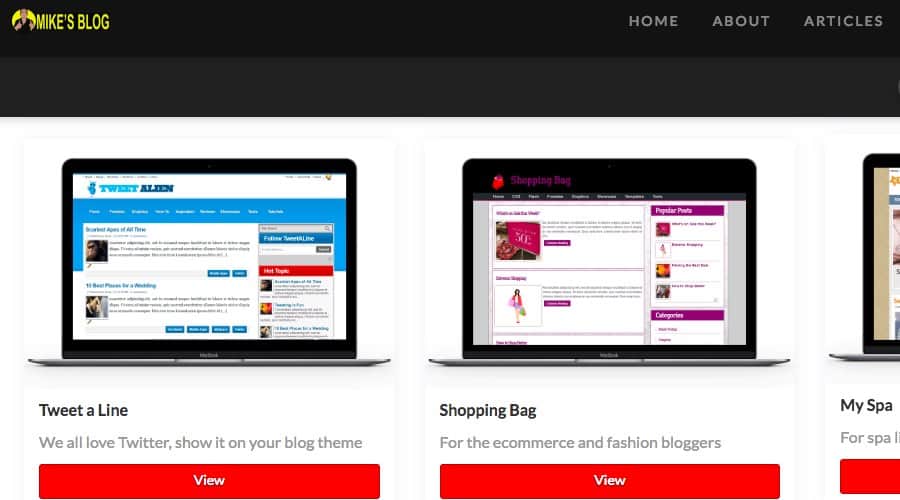
f course, before you install a theme, you need to find a theme. Here at Mike’s Blog we have a wide range of templates from free to premium for you to choose from. Pick a theme that is suitable for you and your audience and that you will be happy with for years to come.
While you can change your theme again in the future fairly easily, picking a theme that you will stick with for years to come is the best for reliability to your return visitors. Making a new theme change, or even this current one – try asking your audience for suggestions and feedback on which ones!
Favor!
If you have a theme you’d like but can’t find here at Mike’s Blog – then submit a template request and we’ll see what we can do. Better yet, if you’re a developer or web designer – submit your themes to us today!
Step 2 Download it
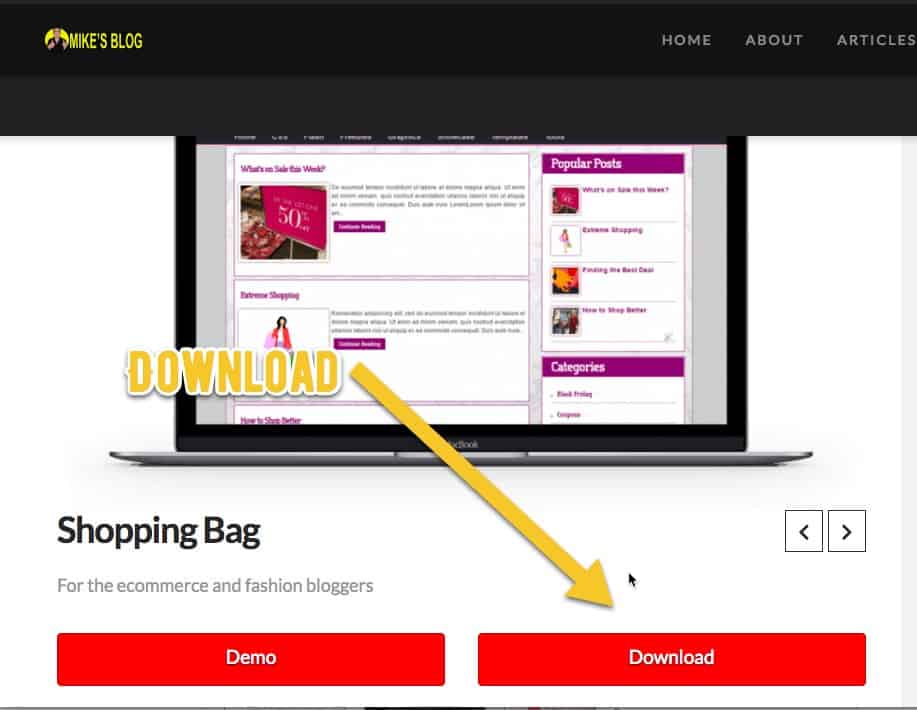
Now, once you find a theme (hopefully you found one here at Mike’s blog) – download the files.
Click the download button and get busy with it!
Step 3 – Unzip it
Once you have it downloaded to your computer, you need to uncompress the file (unzip). This way you can see all the files, images, and notes. You need to do this so you get the XML file (we’ll talk about that more later).
Step 4 – Login to your Blogger account
Once you have the theme and it is in a folder on your computer, time to login to your free blogger account.
This should be straight forward and you will simply use your google (gmail) account most of the time.
Step 5 – Back it up (your current theme)
Now, when doing anything, especially on the internet, it is always safest to backup what you currently have. Ya, it may not be the most beautiful and you can’t wait to install your fresh new blogger theme template, but you gotta make sure you can go back where you currently are if things don’t work out.
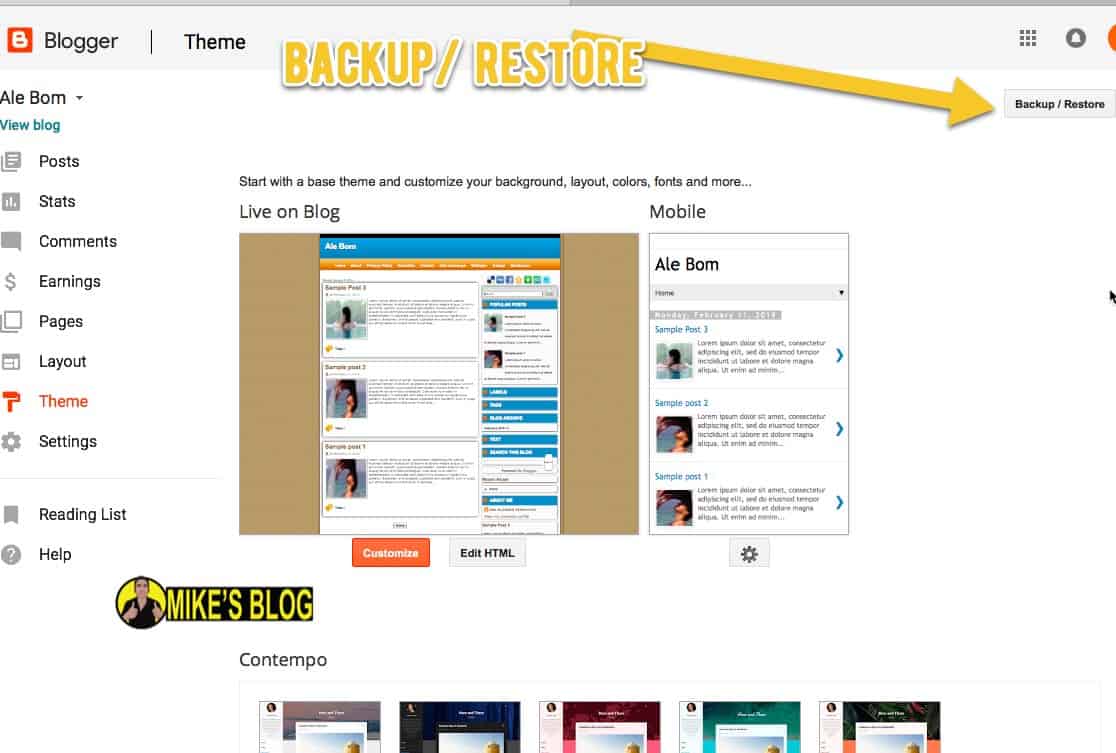
How to do this? Navigate to your template section on the blogger account theme.
Once there – go to the backup / restore button and click into that screen.
You’ll see an option to download full template. Do that!
Step 6 – Keep in safe place (dropbox / cloud)
Now, here is an important part – when you download the current theme / template- save it somewhere you can find in the future. If you’re on a shared computer, I recommend using a Dropbox account so that you can login on the cloud from another computer in the future.
You can also put it on a portable USB stick.
Or even email to yourself. Heck I used Yahoo! Briefcase back in the day.
But wherever you put it, try to be organized, this is the best way to be a long term business blogger.
Step 7 – Prepare to Import Your new Theme, Locate it
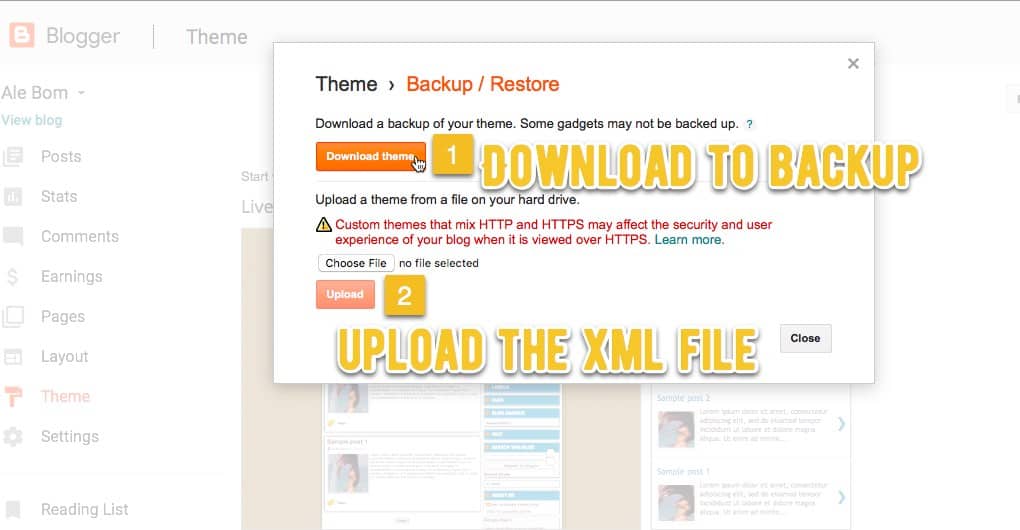
Now that you have your current website theme backed up, time to upload this brand new blogger theme to your account.
On the same screen as the backup, you will see the import new theme. Click to browse and then locate the XML file from the unzipped theme you downloaded. This will then import all the images and other design files into your Blogger account so you are good to go.
Step 8 – Configure Widget and Layout As You Like
Once that imports successfully you can start to configure the layout and the widgets. This is just details and should be fairly straight forward.
Step 9 – Get Back to Blogging!
Now we hoped this was straight forward and simple. But you should not get too hung up on the design – focus on making quality content to grow your business and add value to the community. The blog design is important, but so many people get taken over by the design that they forget it is really about creating quality content.
Where Will You Go Next?
Take action – now from here there are 2 steps you can go:
Browse our free XML blogger template directory, find one you like, and get it imported.
Or, continue learning how to make money and grow your blog with our extensive blog guide:

Check Out Our Start a Blog Guide
The team here at Mike’s Blog works continuously at creating a free resource to start and grow your blog. Check out the core guide here and make your blogging dreams come true!